Have these 3 things ready
- Google Chrome on the computer you use for Marketplace posting
- Your ListPilot license key from the confirmation page or email
- Your Facebook account already signed in inside Chrome

Install & Setup
This page matches the exact Chrome and ListPilot screens you should see. Follow the steps in order and you can start posting to Facebook Marketplace in minutes.
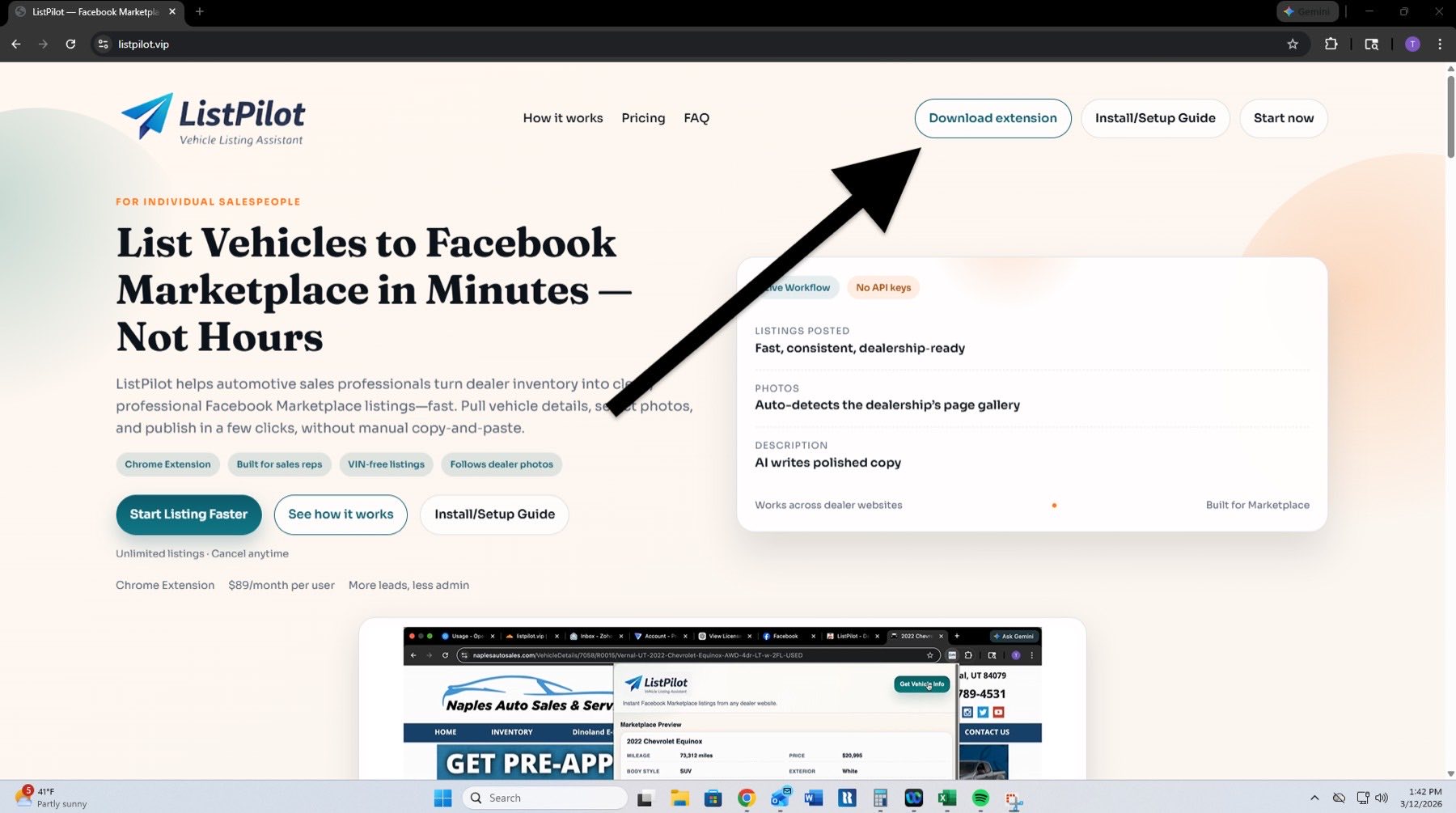 Go to Chrome Web Store
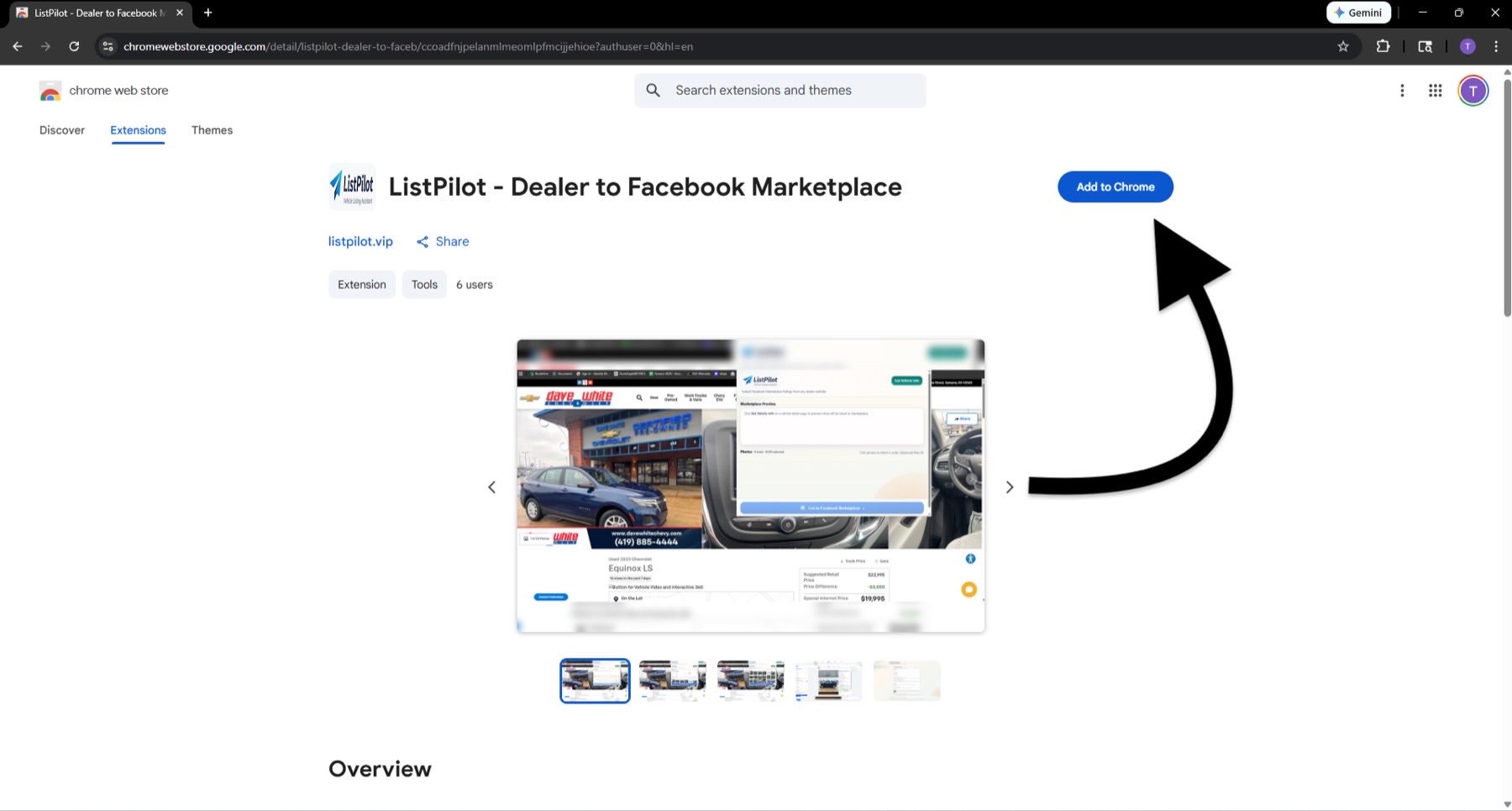
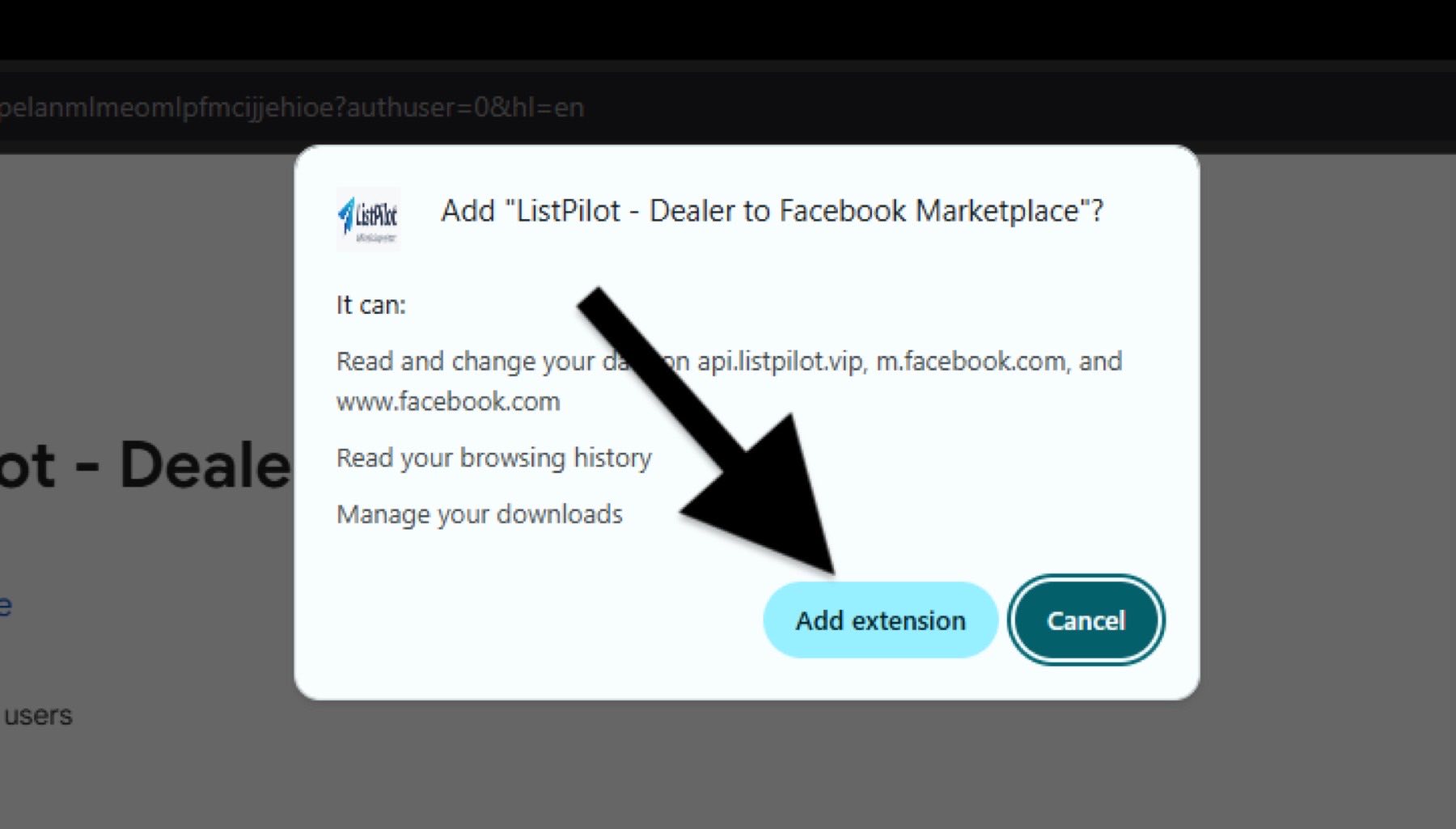
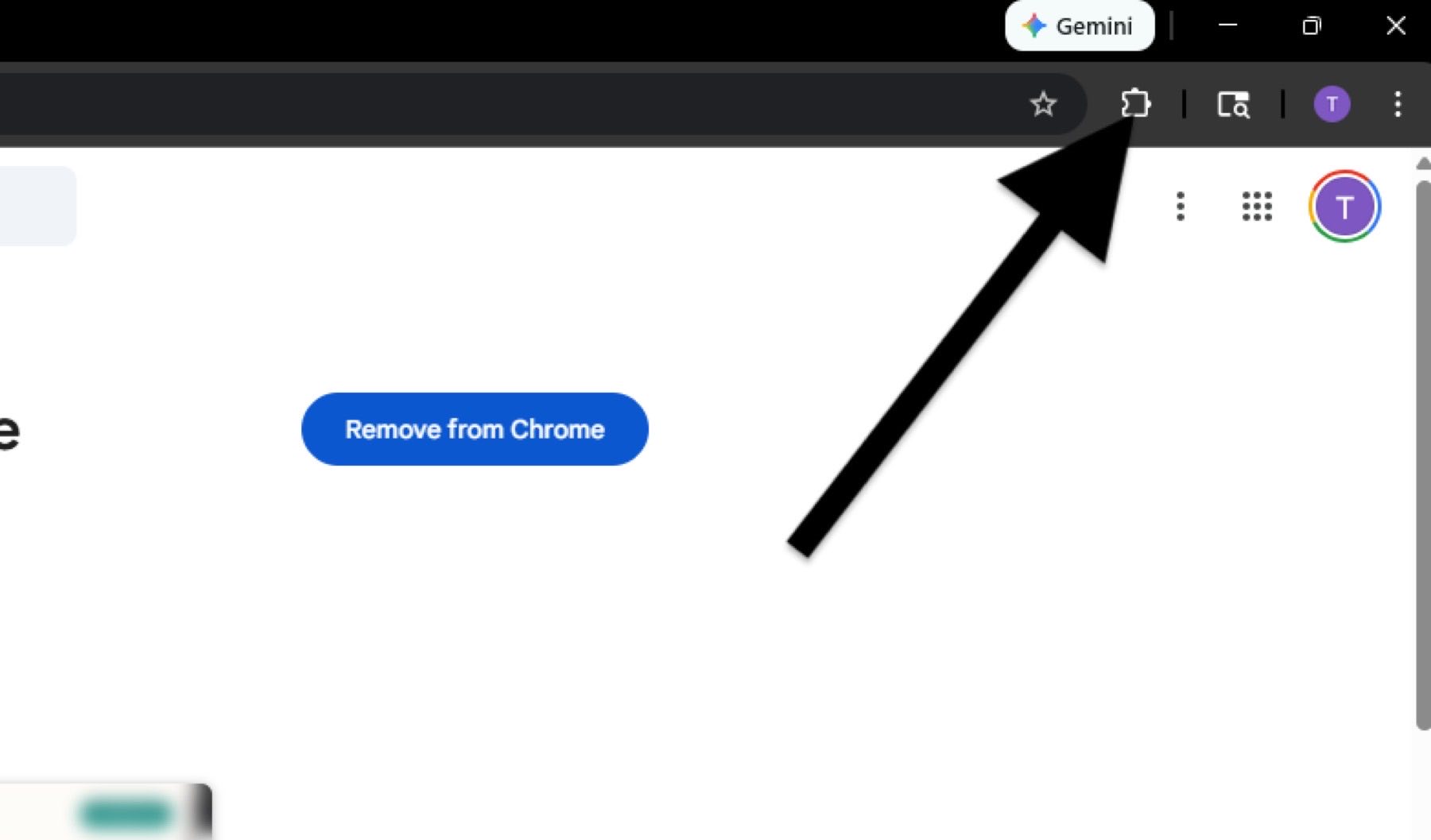
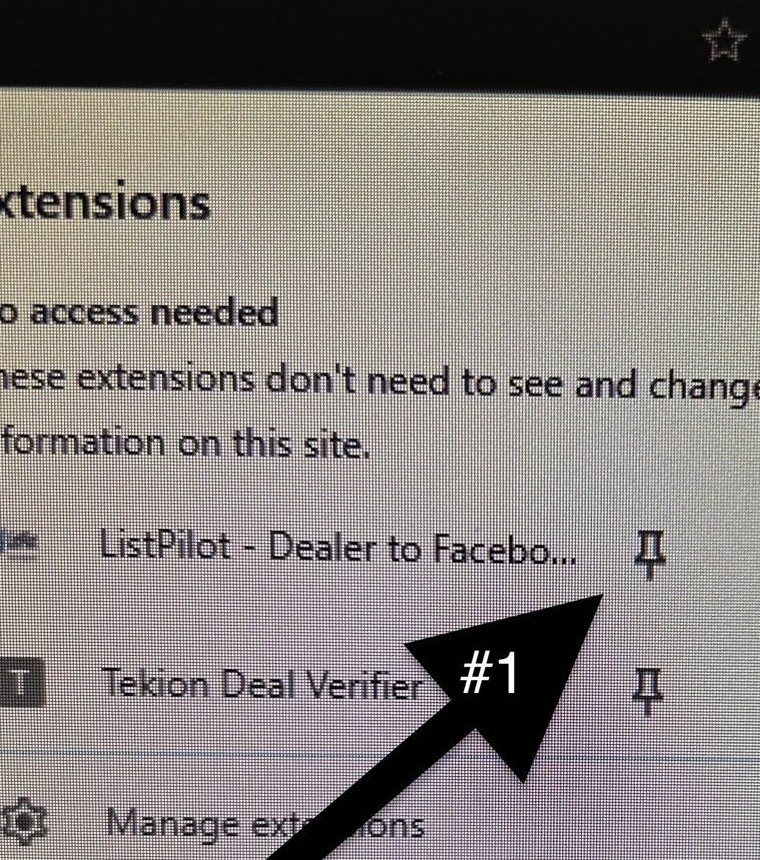
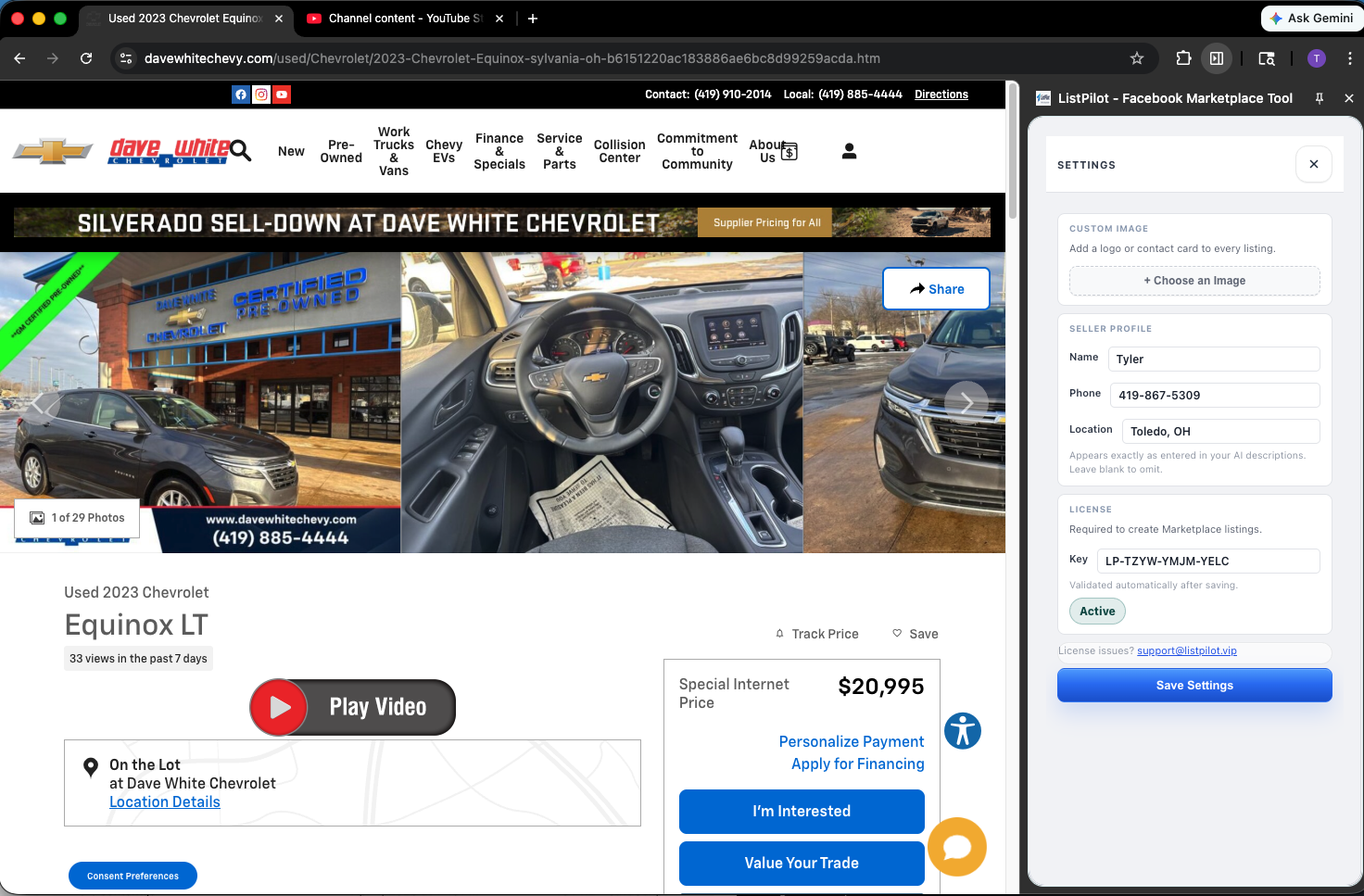
Tip: everything you need is inside the side panel. You do not need to open a separate browser options page.
Everything you need for setup is in this drawer: seller profile at the top, license just below it, then Save Settings.
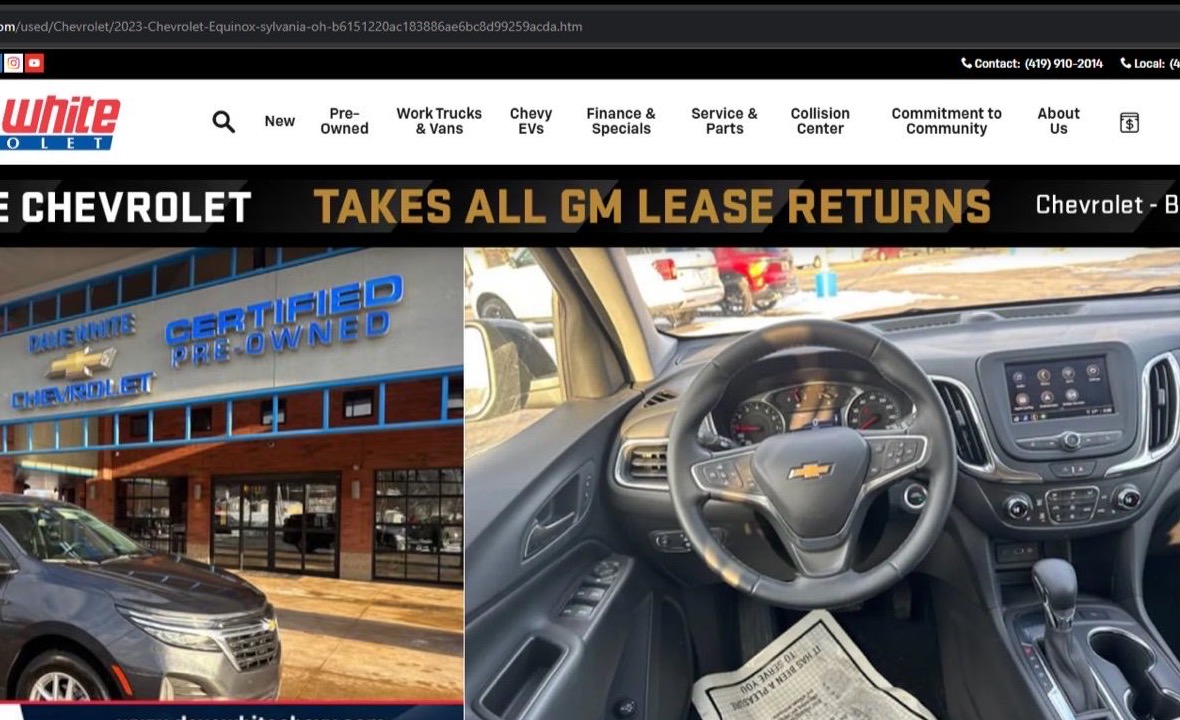
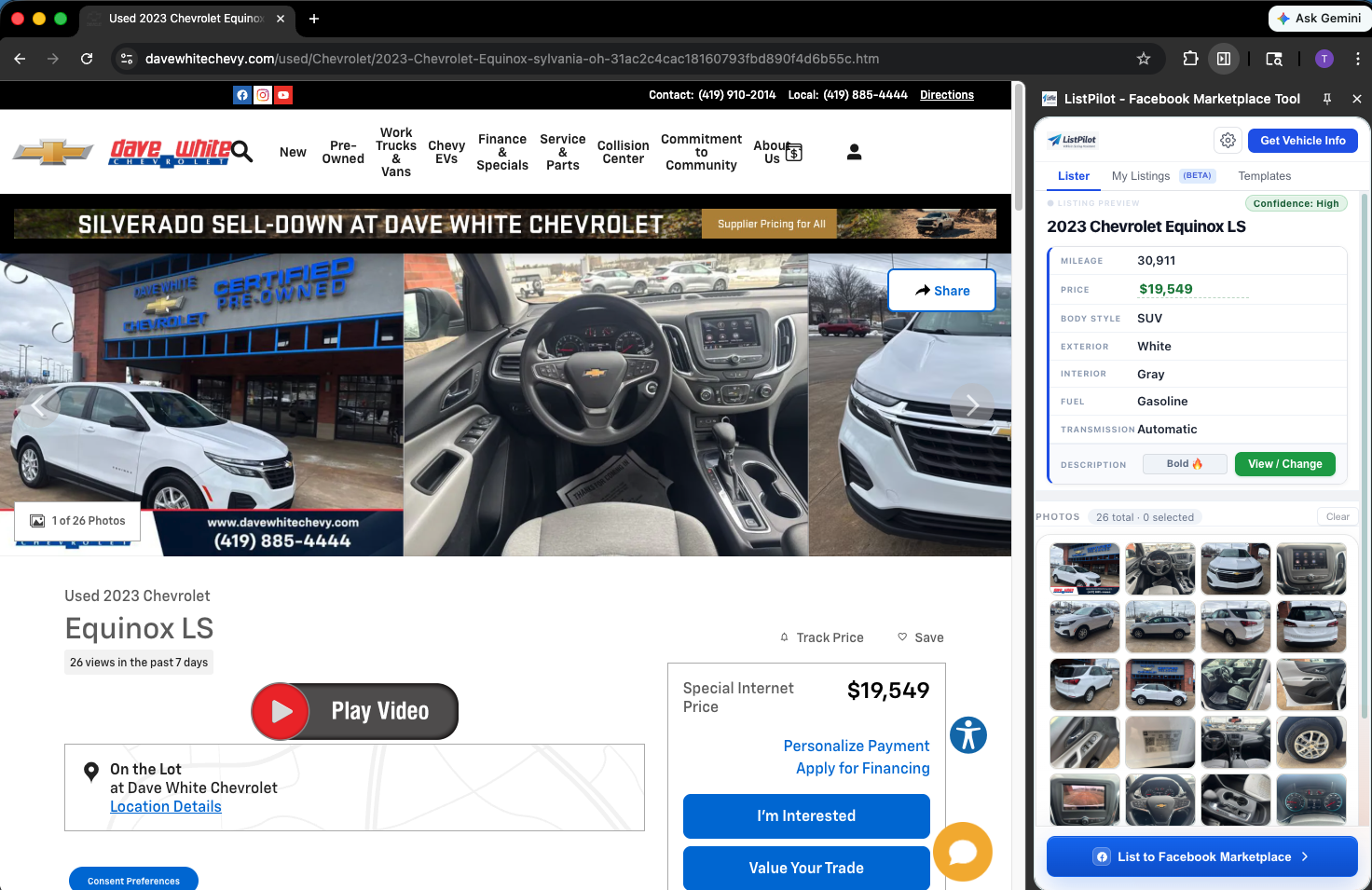
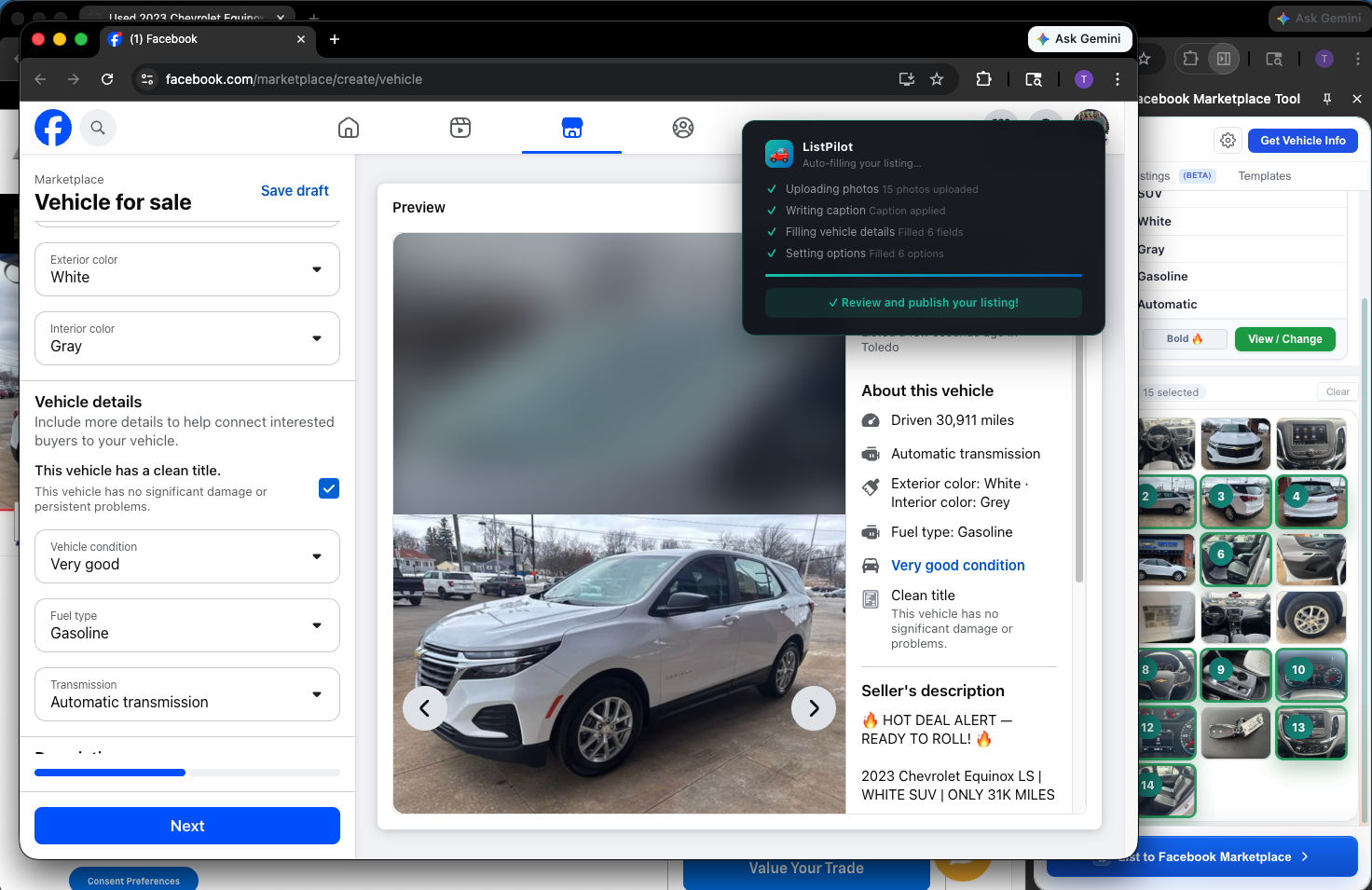
Click the ListPilot icon in your Chrome toolbar — you'll see a Begin Trial button at the top. That links directly to checkout. 5 posts free. No credit card required.
Cancel any time before day 3 and you won't be charged.
ListPilot is a Chrome extension and requires Google Chrome. It also works in Chromium-based browsers like Microsoft Edge. Firefox and Safari are not currently supported.
Your license key is on the confirmation page immediately after purchase and in the confirmation email. If you can't find it, email support@listpilot.vip with your purchase email and we'll resend it right away.
ListPilot works on most major dealer platforms — DealerSocket, VinSolutions, CDK, Reynolds, and hundreds of independent dealer sites. If your site isn't pulling data correctly, contact support and we'll add compatibility.
Yes — open a single vehicle detail page (VDP) on your dealer site — ListPilot reads vehicle data from that page automatically in the side panel. Don't use it on search results or inventory grid pages.
After pasting your license key and clicking Save Settings, the license field shows a green "Active" indicator. If you see an error, double-check you copied the full key with no extra spaces, then save again.
Learn the exact workflow top sales reps use to post faster and generate more Marketplace leads.
If anything does not match these steps, email support and we will help you finish setup quickly.
support@listpilot.vip See the full workflow Follow ListPilot on Facebook